
SHARE INSIGHT EXCHANGE

Insight Exchange is designed and donated to share with any reader/viewer in any community. Any role. Any Industry. Every person matters and every response matters.

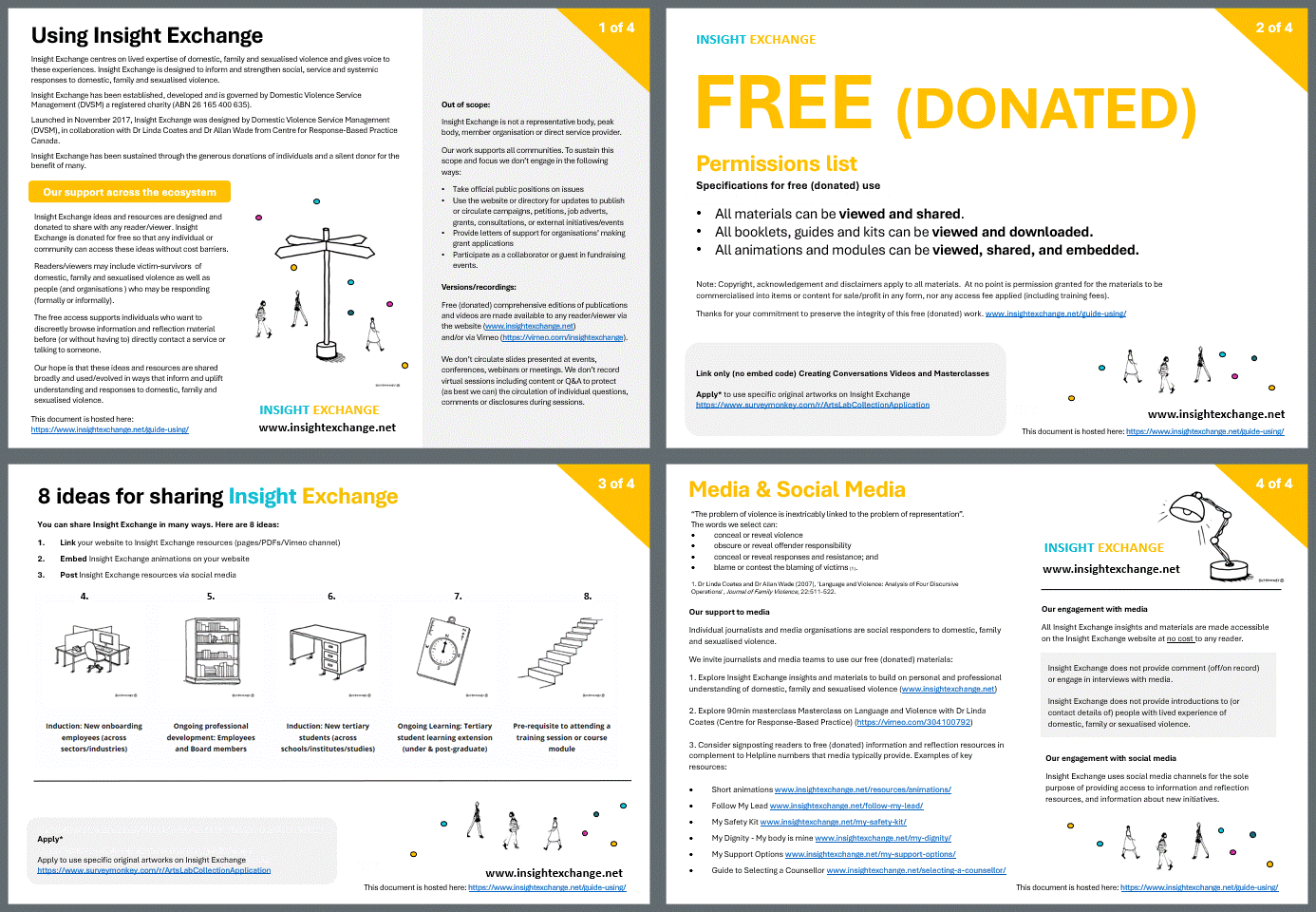
This page shows ideas of how you can start sharing and using Insight Exchange to inform and uplift understanding and responses to domestic, family and sexualised violence.

For all of the sharing options please adhere to the guidance on Using Insight Exchange. Thankyou for your commitment to preserve the integrity of this work.
05 Share
Squared Text + Illustration Tile

Link your website to Insight Exchange resources.

Squared Text + Illustration Tile

Create posts in your socials (Use the Insight Exchange website text and link)

Squared Text + Illustration Tile

Embed Insight Exchange animations into your website

Squared Text + Illustration Tile

Embed Insight Exchange modules into your intranet, learning management systems.

Squared Text + Illustration Tile

Make Insight Exchange materials part of induction for new students, employees & volunteers.

Squared Text + Illustration Tile

Make Insight Exchange materials part of onboarding for new suppliers, collaborators & board members.

Squared Text + Illustration Tile

Make Insight Exchange materials part of course work for new students, trainers, new teachers.

Squared Text + Illustration Tile

Make Insight Exchange materials part of professional development for Postgraduates, PhD Candidates, Practicing Professionals.

Squared Text + Illustration Tile

Make Insight Exchange materials part of pre-reading for grant applications & research applications.

Squared Text + Illustration Tile

Share the printed landing cards (with static QR codes) to share access in communities, workplaces, businesses, systems and institutions.

Image - QR Code Landing Cards

Explore the print to share page about how to order donated landing cards.

LEARNING MANAGEMENT SYSTEMS

There are three options for sharing Insight Exchange in your learning management system (LMS). The options available to you depend on the learning management system you use. Note: To keep to the intention of these materials, we suggest inviting exploration instead of making these one-off mandatory requirements.

Option 1: Embed directly using embed code

If your LMS allows, you can embed any Insight Exchange animation or module directly in the LMS using the video embed codes that are accessible when you toggle through the share options (top right corner) on each animation or module. Note: For booklets - we strongly recommend using links to the landing page URL (not the booklet URL) so that the reader has access to the best current version.

Option 2: Share links

Share the specific https:// hyperlink to the Insight Exchange landing page, animation or module you are wanting to share. Note: For booklets - we strongly recommend using links to the landing page URL (not the booklet URL) so that the reader has access to the best current version.

Option 3: Use a downloaded PDF

Use a downloaded PDF (see list and links to PDFs below) for learning management systems. These PDFs use hyperlinks to the materials you are introducing. Note: The PDFs for LMS use links to the landing page URL (not the booklet URL) so that the reader has access to the best current version.

Using Insight Exchange

  • Please do not add a fee to access the materials
  • Please acknowledge the source of the materials

Read more about Using Insight Exchange.